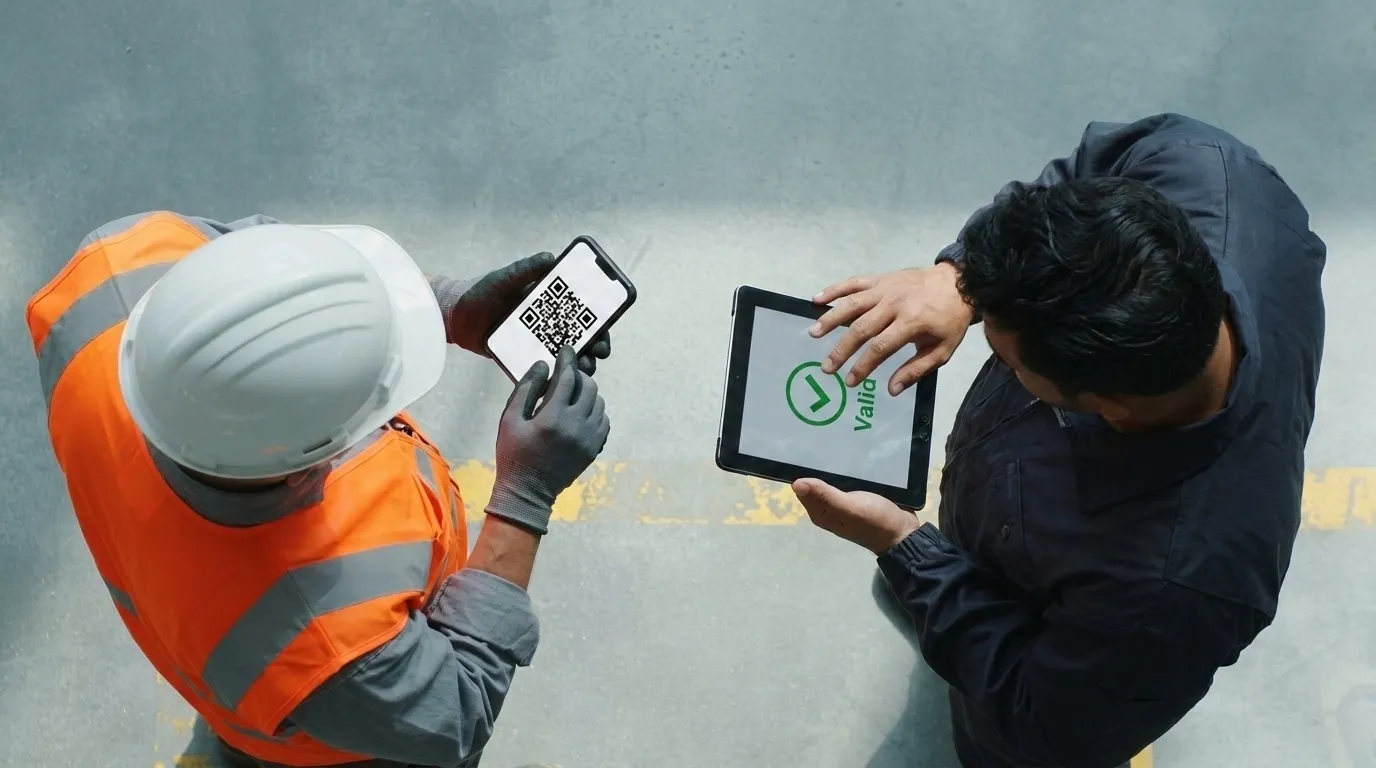
A Permit to Work (PTW) is the authorization that gives a person or a crew the right to perform a specific task, in a specific area, within a defined time window. It is a cornerstone of safe systems of work in high-risk operations, and it fits squarely within the operational controls that ISO 45001 asks organizations to put in place. Out in the field, whoever checks a permit wants to know one thing: does this authorization hold at this very moment? 4HSE now answers with a digital certificate and a verification QR code.
How the digital permit to work operates in 4HSE
The permit builds on tools 4HSE users already work with. A procedure defines what gets authorized, authorization forms are attached to it, and once those forms are filled in, a certificate is issued. That certificate is the permit itself.
A concrete case. An external contractor sends a welder to a plant for a job that will take a couple of hours: hot work, to be authorized only after the proper checks. In 4HSE, the safety manager sets up a hot work procedure and attaches the dedicated authorization form, marking it as Required. As long as that form stays empty, no certificate can be issued. Whoever authorizes the job fills in the fields, collects the signatures, and issues the permit.
Predefined forms cover the most common high-risk activities: General work permit, Hot work permit, Confined Space Entry Permit, Electrical work permit, Work at height permit. The same mechanism also handles a simpler case: authorizing a person’s access to a site. There, the certificate with its validity dates and QR code is enough, with no dedicated checklist.
Validity down to the minute
A permit for a two-hour welding job should last two hours. With Time precision turned on, the certificate carries a date and an hour for both start and end: from 1:00 to 3:00 pm, for instance. Once the end time passes, 4HSE marks the permit as expired with no manual step involved.
Every permit also moves through a life cycle: Draft, Valid, Expired, Revoked, Rejected. If conditions on site change, the permit can be revoked before its end date. The new status shows up everywhere at once: on the certificate, in the scheduler, on the public verification page.
On-site verification with a QR code
This is where digital outperforms paper. From the certificate, a verification QR can be generated, then printed, embedded in the permit document, or shown on screen. An inspector, a supervisor, or the client scans it with a phone and lands on a read-only public page. No 4HSE account needed.
The status displayed is the one at the moment of the scan. A permit that expired ten minutes ago, or was revoked because conditions changed, shows up as such at the very next scan. A paper permit pinned to a board keeps looking valid long after it stopped being so.
One detail matters on sites where crews mix contractors and languages: the verification page opens in the language of the reader’s browser, with English as the fallback (English, German, Spanish, Italian and French available). The contractor’s supervisor and the client’s inspector read the same permit, each in their own language.
Privacy by design
The link behind the QR is signed and expires after a set period: there is no way to guess it, and once expired it leads nowhere. The code itself carries no data, neither personal information nor internal identifiers. When the permit needs to be shared again, a fresh QR is generated from the certificate. For companies operating under the GDPR, this is privacy by design: minimal data, a clear purpose, a secure channel.
What changes now
Teams managing hot work, confined spaces, electrical jobs, work at height, or site access can now issue named authorizations, valid to the minute and verifiable in the field by anyone. All of it runs on the 4HSE tools already in place: procedures, linked forms, the scheduler. The full step-by-step flow is described in the Permit to Work documentation.